Code Archaeology: Navigating Messy Legacy Repos with Claude Code
Published: 2026-02-02
Code Archaeology: Navigating Messy Legacy Repos with Claude Code
You've been there. It's Monday morning, and you've just inherited a repository that looks less like a software project and more like a digital landfill.
It's a monolithic beast with years of "technical debt" baked in. No documentation. The original authors are long gone. The last meaningful commit message was a cryptic "fixed bugs" from three years ago. You try CMD+F, you try "Go to definition," but you're drowning. You see the individual puzzle pieces, but you have no idea what the picture on the box is supposed to look like.
Traditional methods fail because they show you the syntax, but not the intent.
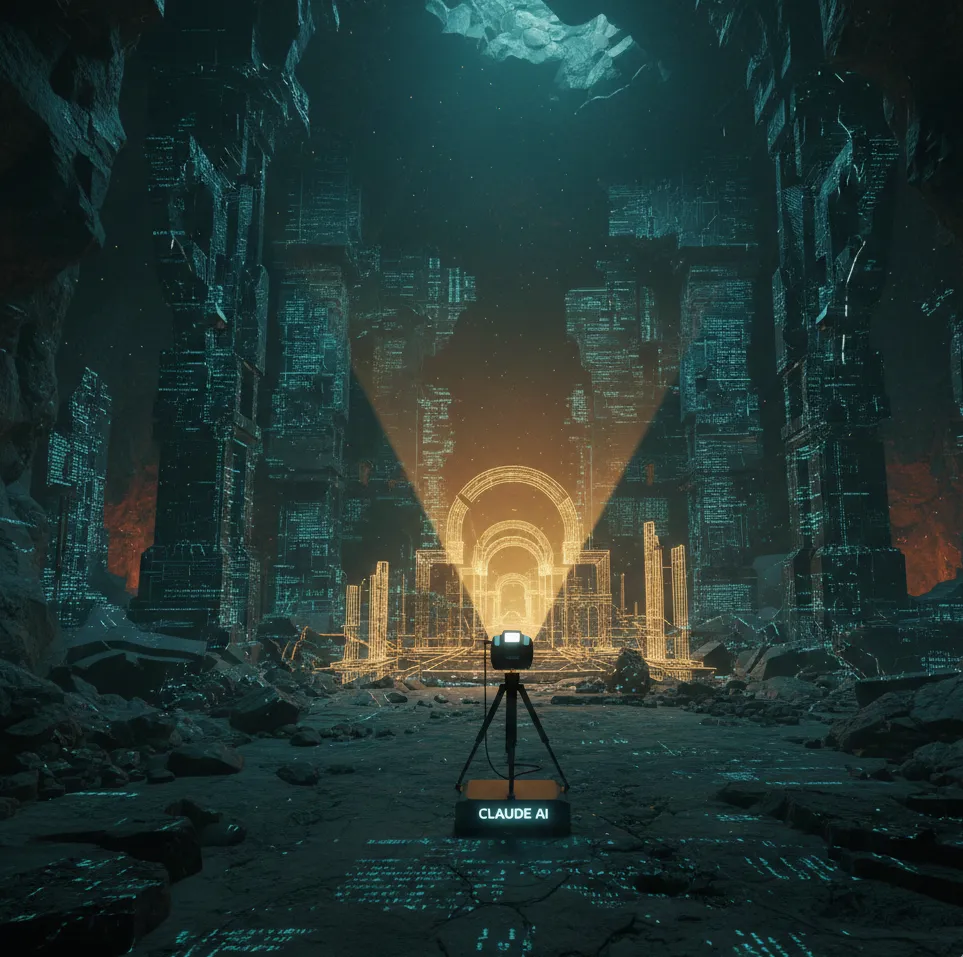
This is where you stop being a programmer and start being a Code Archaeologist, using Claude Code as your primary tool for excavation.
The Philosophy: Detective vs. Compiler
A Compiler reads code to execute it. It cares about semicolons and types. A Detective reads code to find intent. They care about why a specific hack was implemented during a production crisis in 2021.
The mechanics (the "How") are in the files. The story (the "Why") is hidden in the architecture and the version history. To survive a massive legacy repo, you need a metal detector, not just a magnifying glass.
In this workflow, we use Claude Code and the /code-architecture skill as our high-tech sonar to map the ruins before we ever pick up a shovel.
The 15-Minute Sprint: A Workflow for the Brave
Instead of aimlessly clicking through folders, follow this structured "archaeological survey" using Claude's specialized capabilities.
Step 1: Map the Territory (The Drone View)
Don't start by reading a thousand-line file. Get a bird's-eye view. You need to find the "Entry Points"—where the application actually comes to life.
The Prompt:
claude /code-architecture: map the territory and find entry points
Claude scans the structure, identifies controllers, event handlers, and startup scripts. Within seconds, you have a list of where the "life" of the app begins, rather than just a list of files.
Step 2: Trace the Data (Follow the Money)
In software, the most important rule is: Follow the data, not the code. Functions are just pipes; the data is the water flowing through them.
Pick a specific use case (e.g., "User Login") and ask Claude to perform a Trace Forward (from the API endpoint to the DB) and a Trace Backward (from a log error back to the source).
Example Terminal Interaction:
# You ask Claude:
# "Trace the flow of 'PaymentProcessor' from the API endpoint to the database."

# Claude responds:
# 1. POST /payments -> PaymentController.js
# 2. Validator.ts (checks schema)
# 3. StripeService.ts (external call)
# 4. Database: 'transactions' table update
Step 3: Git Archaeology (The "Why")
Code without history is just text. To understand a complex if-statement that looks like a mistake, you need to see the context of its birth. Use Claude to analyze git blame and git log together.
The Command:
claude "Show me the history of this complex if-statement and explain the context from commit messages"
Suddenly, that "weird hack" makes sense—it was a hotfix for a breaking API change from a third-party vendor that was never properly refactored.
The Pro Toolkit: Reading Strategies
Since you can't read everything, you need to choose your perspective wisely:
Top-Down Reading: Use this when you need to understand the high-level architecture and how major modules interact.
Bottom-Up Reading: Best when you are debugging a specific error in a small, isolated function.
Breadth-First Search: Ideal when the repo is massive and you just need to know "what is where" so you don't drown in the details.
Red Flags: When You're Doing It Wrong
"I'll just change this and see what explodes": This is the "scalpel without an X-ray" approach. Always perform archaeology first.
Diving into details too fast: If you don't understand the folder structure, you won't understand the line of code. Always move from the general to the specific.
The Code Archaeology Cheat Sheet
Here is a quick breakdown of the phases of a successful excavation:
1. Survey Phase
Tool/Command: tree -L 2 or /code-architecture
Goal: Identify Entry Points and high-level structure.
2. Trace Phase
Tool/Command: Forward/Backward data flow analysis.
Goal: Understand how data is transformed across the system.
3. Context Phase
Tool/Command: git log, git blame
Goal: Discover the author's original intent (the "Why").
4. Verify Phase
Tool/Command: Debugging and targeted logging.
Goal: Ensure your mental map actually matches the "terrain" of the code.
The "Aha!" Moment
The greatest strength of Claude Code isn't that it writes code for you. It's that it can map dozens of files in seconds and answer the golden question:
"Where on earth is the discount calculation logic hidden?"
It turns hours of "empty reading" into minutes of targeted investigation. Next time you face a digital landfill, don't just start reading. Start digging with the right tools.
Happy hunting, archaeologists.
Want to try this yourself?
If you're ready to master your legacy codebase using the Code Architecture skill in Claude Code, you can find the detailed documentation and setup guide here: