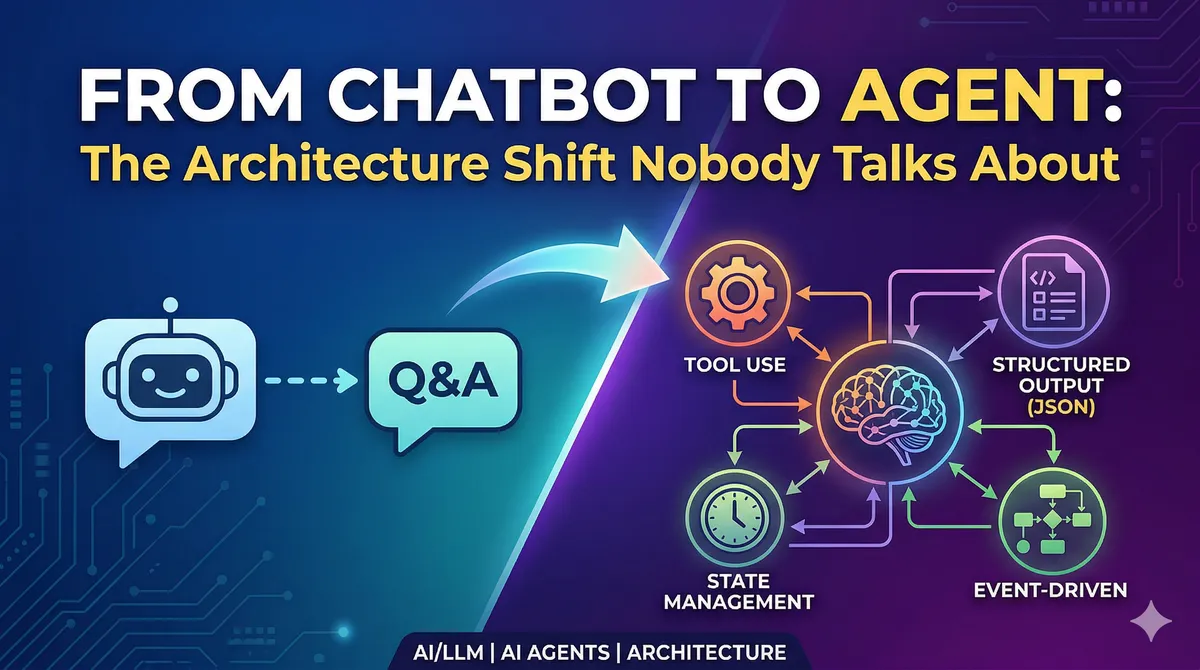
From Chatbot to Agent: The Architecture Shift Nobody Talks About
Published: 2026-04-01
From Chatbot to Agent: The Architecture Shift Nobody Talks About
Most developers start building with LLMs the same way: send a message, get a response, display it to the user. It works. It feels like magic. And then — six months later — you're knee-deep in a migration nightmare, rewriting database schemas and untangling state management that was never designed for what your application became.
I've been working through this transition, and the honest truth is: a chatbot is "CRUD", but an agent is a distributed system. The gap between them is enormous, and most tutorials skip straight over it. This post is about what actually changes.
Why LLMs Break Your Mental Model of Determinism
Here's something that sounds obvious in retrospect but took me a while to internalize: when you write x = add(2, 3), you get 5. Every time. But when you write response = llm.complete("Summarize this document"), you're calling a function that might return something slightly different on each invocation — even with the same input.
This isn't a bug. It's a fundamental property of how language models work. Under the hood, a model generates responses token by token, with each token sampled from a probability distribution over the entire vocabulary. The process is autoregressive — earlier tokens influence later ones — which means the complete output emerges from thousands of sequential probabilistic decisions.
What does this mean for your application? It means every LLM call is a risk surface. The good news is that you're calling this function from deterministic code, which gives you levers to pull.
// Naive approach — what most tutorials show
async function handleUserMessage(message: string): Promise<string> {
  const response = await openai.chat.completions.create({
    model: "gpt-4o",
    messages: [{ role: "user", content: message }]
  });
  return response.choices[0].message.content;
}

// Better approach — treat LLM as one step in a pipeline you control
async function handleUserMessage(message: string): Promise<AgentResponse> {
  // Step 1: classify intent deterministically
  const intent = await classifyIntent(message);

  // Step 2: route to appropriate handler with focused context
  const handler = routerMap[intent.type];

  // Step 3: call LLM only for the specific task it's good at
  return handler.process(message, intent);
}
The key insight: you control the context, and context determines behavior. Managing what goes into an LLM call is the primary tool you have for steering its output.
Structured Output Is Not Optional
Here's a pattern I see constantly in early-stage AI projects: the LLM returns a long prose response, the developer slaps a regex on it, and everything works — until the model decides to phrase something slightly differently and the regex silently fails.
The solution is forcing structured output from the start. Modern LLM APIs all support JSON Schema-based structured output, where the model is constrained to produce a specific shape of data. Think of it as adding a return type annotation to your probabilistic function.
import OpenAI from "openai";
import { zodResponseFormat } from "openai/helpers/zod";
import { z } from "zod";

const SentimentSchema = z.object({
  reasoning: z.string(),
  sentiment: z.enum(["positive", "negative", "neutral", "mixed", "unknown"]),
  confidence: z.number().min(0).max(1)
});

async function analyzeSentiment(text: string) {
  const openai = new OpenAI();

  const response = await openai.beta.chat.completions.parse({
    model: "gpt-4o",
    messages: [
      {
        role: "system",
        content: "Analyze the sentiment of the provided text. " +
                 "Use 'unknown' if sentiment cannot be determined."
      },
      { role: "user", content: text }
    ],
    response_format: zodResponseFormat(SentimentSchema, "sentiment_analysis")
  });

  return response.choices[0].message.parsed;
}
A few things worth noting in this example:
Field order matters. The model generates tokens sequentially, so reasoning comes before sentiment. This is intentional — by forcing the model to articulate its reasoning first, you get better downstream classification. It's a lightweight version of chain-of-thought prompting baked into your schema.
"Unknown" is a valid value. Forcing a model to pick between "positive" and "negative" when the text is ambiguous causes hallucination. Giving it an escape hatch actually improves accuracy across the board.
Names and descriptions are prompts. The field name sentiment and its description do real work. A field named s would perform worse. This is something developers often miss — your schema design is part of prompt engineering.
The Event-Driven Architecture You Need From Day One
Let me show you the evolution most projects go through — and why starting with events saves you enormous pain later.
Stage 1: The naive implementation
// Looks fine for a prototype
interface Message {
  id: string;
  role: "user" | "assistant";
  content: string;  // just text
  created_at: Date;
}
Stage 2: The wall you hit
Your application needs to distinguish between the LLM's thinking, tool calls, intermediate results, and final answers. You need to pause the stream while waiting for a tool to execute. You need to render code blocks differently from prose. Suddenly, content: string is fighting you at every turn.
Stage 3: The design you should have started with
type EventType =
  | "text_delta"      // streaming text chunk
  | "tool_call"       // agent is invoking a tool
  | "tool_result"     // result from tool execution
  | "thinking"        // reasoning tokens (when available)
  | "confirmation_required"  // needs user approval before proceeding
  | "error";

interface AgentEvent {
  id: string;
  session_id: string;
  type: EventType;
  content: string;
  metadata: Record<string, unknown>;  // type-safe extensions
  created_at: Date;
}
This design lets you grow. Need to add a new event type? Add it to the union. Need to attach tool arguments to a tool_call event? Put them in metadata. The serialization format stays stable even as capabilities expand.
From a database perspective, this also gives you something valuable: a complete audit trail of what the agent did and why.
System Prompts Are Configuration Code
There's a common belief that system prompts are just instructions written in plain English — something you dash off in five minutes. In practice, a production-quality system prompt for a capable agent is more like configuration code: it has structure, it has properties that interact, and it requires the same care as any other system configuration.
Looking at published system prompts from tools like Claude Code or Cursor, you can identify consistent structural components:
<identity>
You are an assistant that helps users manage their calendar. You have access
to create, read, update, and delete calendar events on the user's behalf.
</identity>

<constraints>
- Only modify events the user explicitly asks you to change
- Never delete recurring events without confirming which instances to remove
- When uncertain about date/time interpretation, ask for clarification
</constraints>

<tool_usage>
Before calling any write tool (create_event, update_event, delete_event):
1. State what you're about to do and why
2. Assess your confidence level
3. If confidence < 0.8, ask the user to confirm before proceeding
</tool_usage>

<style>
Respond concisely. Dates should be formatted as "Monday, April 7th at 3pm".
Never use technical IDs in user-facing messages.
</style>
The XML-like tagging isn't decoration — it helps the model parse the prompt structure and apply the right rules in the right contexts.
The most valuable thing I learned about prompt design: fix the category of error, not the specific error. When a tool selection goes wrong, don't add a rule saying "prefer calendar events over tasks for time-sensitive requests." Instead, add a general reasoning process the model should follow before any tool selection. The specific fix handles one case; the generalized process handles the entire class of similar cases.
Multi-Model Routing in Practice
Production agents rarely use a single model for everything. The economics don't make sense. A quick intent classification doesn't need the same horsepower as a complex reasoning task.
Here's a concrete routing pattern:
const ModelTier = {
  FAST: "gpt-4o-mini",       // Classification, extraction, simple Q&A
  BALANCED: "gpt-4o",        // Most agent tasks
  POWERFUL: "claude-opus-4-6" // Complex reasoning, long-context analysis
} as const;

async function routeToModel(task: AgentTask): Promise<string> {
  if (task.complexity === "low" && task.contextLength < 4000) {
    return ModelTier.FAST;
  }

  if (task.requiresDeepReasoning || task.contextLength > 50000) {
    return ModelTier.POWERFUL;
  }

  return ModelTier.BALANCED;
}
A useful mental model: think of it like a team. You have specialists for specific domains, a generalist who handles most tasks, and a senior advisor for the hard problems. The orchestration code decides who to involve — the models just do the work.
One operational detail that matters more than people expect: don't hard-code provider-specific SDKs throughout your codebase. Build a thin abstraction layer early. When a new model drops that's better for your use case, you want to swap it in one place.
The Database Schema Nobody Shows You
A chatbot stores conversations and messages. An agent needs more. Here's a schema that supports real multi-agent work:
-- Top-level unit of work
CREATE TABLE sessions (
  id          UUID PRIMARY KEY,
  user_id     UUID NOT NULL,
  status      TEXT NOT NULL DEFAULT 'active',  -- active, paused, completed, failed
  root_agent  UUID,  -- the coordinating agent
  created_at  TIMESTAMPTZ DEFAULT NOW()
);

-- Individual agent instances within a session
CREATE TABLE agents (
  id            UUID PRIMARY KEY,
  session_id    UUID REFERENCES sessions(id),
  parent_id     UUID REFERENCES agents(id),  -- who spawned this agent
  template      TEXT NOT NULL,               -- which agent definition to use
  task          TEXT NOT NULL,               -- specific goal for this instance
  status        TEXT NOT NULL DEFAULT 'pending',
  result        JSONB,
  created_at    TIMESTAMPTZ DEFAULT NOW()
);

-- All events across all agents
CREATE TABLE events (
  id          UUID PRIMARY KEY,
  session_id  UUID REFERENCES sessions(id),
  agent_id    UUID REFERENCES agents(id),
  type        TEXT NOT NULL,
  content     TEXT,
  metadata    JSONB DEFAULT '{}',
  created_at  TIMESTAMPTZ DEFAULT NOW()
);
The key design decisions here:
- Sessions are the user-visible unit. One session might spin up many agents.
- Agents have a
parent_id, enabling tree-structured delegation. An orchestrator spawns workers; workers can spawn sub-workers. - Events capture everything that happened, including tool calls and intermediate reasoning. This is your audit trail, your debugging surface, and your training data source.
Key Takeaways
The jump from chatbot to agent is less about AI sophistication and more about engineering discipline:
- Design for events from day one. Retrofitting event-driven architecture into a string-based message system is painful and costly.
- Enforce structure at the boundary. Use JSON Schema to make your LLM calls as predictable as regular function calls.
- System prompts deserve the same care as code. Test them, version them, store them in files alongside your codebase.
- Build for multi-model from the start. Abstraction here costs almost nothing and pays back when models change.
- Your database schema is your agent's skeleton. Get it wrong early and every feature becomes a migration.
The agents worth building aren't complicated because of the AI — they're complicated because distributed systems are complicated, and that's what a capable agent actually is. Treat it like one, and the AI part gets much easier.