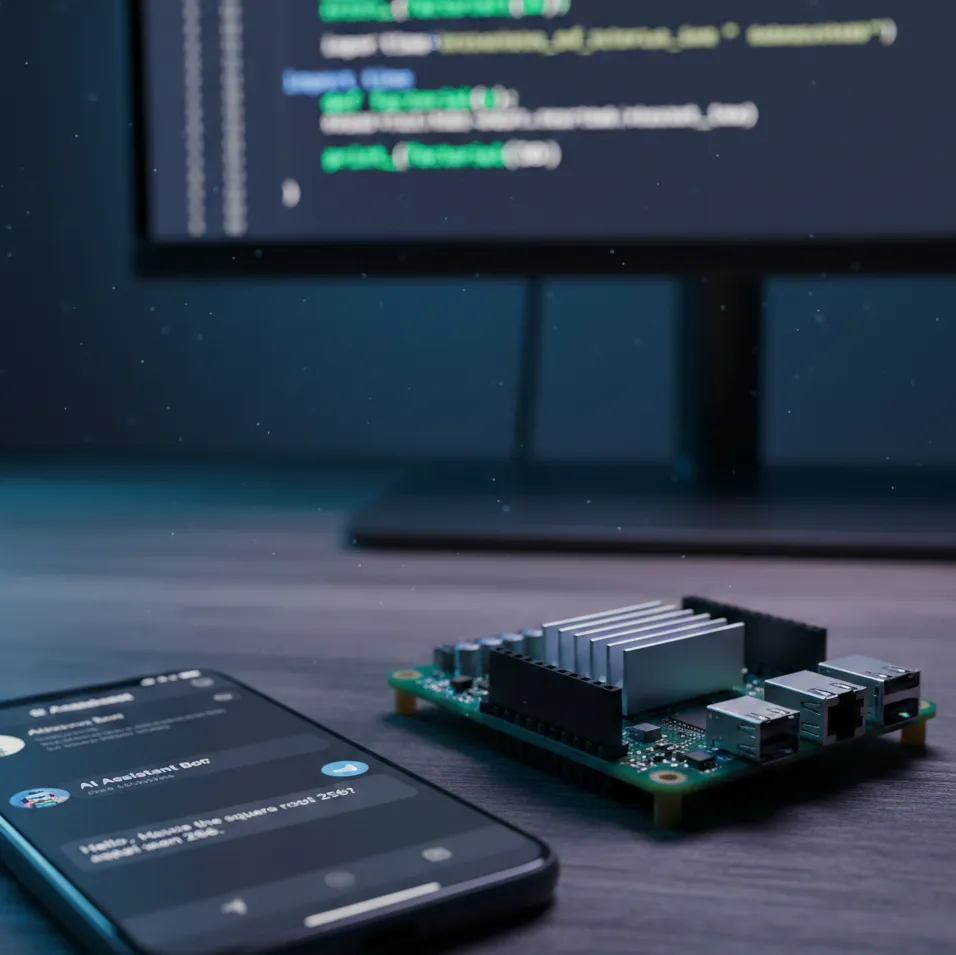
Building a Personal AI Assistant with Claude Code and Telegram
Published: 2026-02-19
Building a Personal AI Assistant with Claude Code and Telegram
What if the AI tool you already use every day could become your personal assistant — without paying for yet another SaaS subscription?
I wanted an AI assistant I could control from my phone, my laptop, or any device, at any time. The market is full of dedicated automation agents: N8N, OpenClaw, and others that are genuinely great. But I'm already using Claude Code daily for programming, and it struck me: why not use what I already have? This is the story of how I wired Claude Code — a shell-based developer tool — into a Telegram bot, running on a Raspberry Pi in my living room.
The Problem with "Proper" Automation Tools
N8N and similar platforms are powerful. They're designed for automation, have visual interfaces, and make integrations easy. But they come with trade-offs:
- API costs: Most require you to supply your own API keys, and LLM calls add up fast
- Hosting costs: Running them reliably means either a paid cloud plan or your own infrastructure
- Complexity: For personal use, the overhead can outweigh the benefit
I already have Claude Code as part of my development workflow. The subscription I pay covers my coding sessions — so using it for automation is essentially free from my perspective. The constraint? Claude Code is a CLI tool. It's invoked from a shell, not from an API endpoint or a webhook.
That's the interesting engineering puzzle.
The Architecture: Shell as an API
Claude Code exposes a powerful flag: -p for non-interactive "print" mode. Combined with --output-format json, it becomes scriptable:
claude -p "Summarize this article" --output-format json
This outputs structured JSON with the response and a session_id for conversation continuity. That session ID is the key insight — it means we can have stateful, multi-turn conversations by passing --resume <session_id> on subsequent calls.
The full system has three layers:
- Telegram bot — receives messages from me, from any device
- Python middleware — routes messages, manages sessions, formats output
- Claude Code — the AI brain, invoked as a subprocess
The Code
Calling Claude from Python
The executor module wraps the subprocess call:
def execute_claude(prompt: str, session_id: str | None = None) -> tuple[str, str]:
    cmd = ["claude", "-p", prompt, "--output-format", "json"]
    if session_id:
        cmd.extend(["--resume", session_id])

    result = subprocess.run(cmd, capture_output=True, text=True, timeout=None)

    response = json.loads(result.stdout)
    result_text = response.get("result", "")
    new_session_id = response.get("session_id", "")

    return result_text, new_session_id
Simple. We call the binary, parse JSON, return the response and the session ID. No SDK, no API keys, no HTTP client. Just a subprocess.
Session Continuity
One challenge with a Telegram bot is that each message arrives independently. To maintain a conversation, I needed to store session IDs between messages. The session module handles this in memory:
_sessions: dict[int, str] = {}

def get_session(user_id: int) -> str | None:
    return _sessions.get(user_id)

def save_session(user_id: int, session_id: str) -> None:
    _sessions[user_id] = session_id
When a message arrives, we look up the user's session, pass it to Claude, and save the new session ID back. The /new command clears the session to start fresh.
The Telegram Bot
The bot itself uses aiogram and is deliberately simple. Authorization is a single user ID check — this is a personal tool, not a multi-user platform:
async def handle_message(message: types.Message):
    if not is_authorized(message):
        await message.answer("Unauthorized")
        return

    await message.answer("Frank myśli...")  # "Frank is thinking..."

    session_id = get_session(message.from_user.id)
    result_text, new_session_id = execute_claude(message.text, session_id)

    if new_session_id:
        save_session(message.from_user.id, new_session_id)

    clean_output = remove_ansi_codes(result_text)
    for chunk in split_long_message(clean_output):
        await message.answer(chunk)
One subtlety: Claude Code's output contains ANSI color codes designed for terminal display. These look like garbage in Telegram, so we strip them before sending. Similarly, Claude's responses can exceed Telegram's 4096-character message limit, so long responses get split into multiple messages.
The Infrastructure: Raspberry Pi as Home Server
For hosting, I could have used a free VPS from providers like mikr.us. I actually have one, but it's already full. My Raspberry Pi sitting at home was the natural choice — it's always on, I control it completely, and there are no bandwidth or compute restrictions.
Running the bot on the Pi means:
- No API rate limits from a cloud provider
- No cold starts — the bot is always listening
- Full control — I can SSH in, check logs, restart as needed
- Zero monthly cost — it runs on electricity that I'm already paying for
The Pi runs the Python bot as a systemd service, so it starts automatically on boot and restarts on crash.
Why Telegram?
I considered a few options for the control interface:
- SMS: Requires a GSM module or paid gateway
- WhatsApp: Complex API, business account requirements
- Custom mobile app: Way too much work for a personal tool
- Telegram: Free bot API, excellent Python library (aiogram), works on every device I own
Telegram's bot platform is genuinely developer-friendly. You create a bot via BotFather, get a token, and you're receiving messages within minutes. The aiogram library handles the async polling loop cleanly. It was the obvious choice.
Lessons Learned
The unconventional tool can be the right tool. Claude Code isn't designed for automation. But it has exactly the features I needed: non-interactive mode, JSON output, and session continuity. Sometimes the best solution is using what you already understand well.
Simple infrastructure beats clever infrastructure. A Raspberry Pi running a Python process is boring. It's also reliable, debuggable, and free. I didn't need Kubernetes or a managed container platform for a personal assistant.
Session management is the hard part. Getting Claude to respond is trivial. Maintaining conversation context across independent Telegram messages — mapping user IDs to session IDs, clearing state on demand — is where the interesting design decisions live.
Output formatting matters more than you think. ANSI codes, message length limits, response chunking — none of these are AI problems, but they're the difference between a usable bot and a frustrating one.
What's Next
The bot currently handles general conversation. I've extended it with scheduled tasks — weekly newsletter digests from my email inbox, and blog post summaries fetched from RSS feeds — all delivered via Telegram. Claude Code handles the analysis; the bot handles the delivery.
If you're already paying for Claude Code and you have a Raspberry Pi or a spare VPS, the barrier to building something like this is lower than you might think. The weirdest part of the project was realizing that the CLI tool I use for coding is also a perfectly good AI backend — once you figure out how to talk to it from Python.
The code is straightforward. The architecture is boring. It works every time I open Telegram.